Thanks for the link MaT. I'm still testing to see if my efforts so far have brought this issue closer to a resolution.
I used my version (I'm at the office, but downloaded it about 2 weeks back from the webs) to download a 350mb file the other day, no issues at all hey.
I don't have a problem with a single 350mb file either. Its multiple files, or files bigger than say, 1gb.
On WinXP, using uTorrent 1.8.2, I could download 8 torrents at a time, no problem. Sure, they're come down the line more slowly than if I were downloading them individually, but there wasn't a question of IF they'd download, just when.
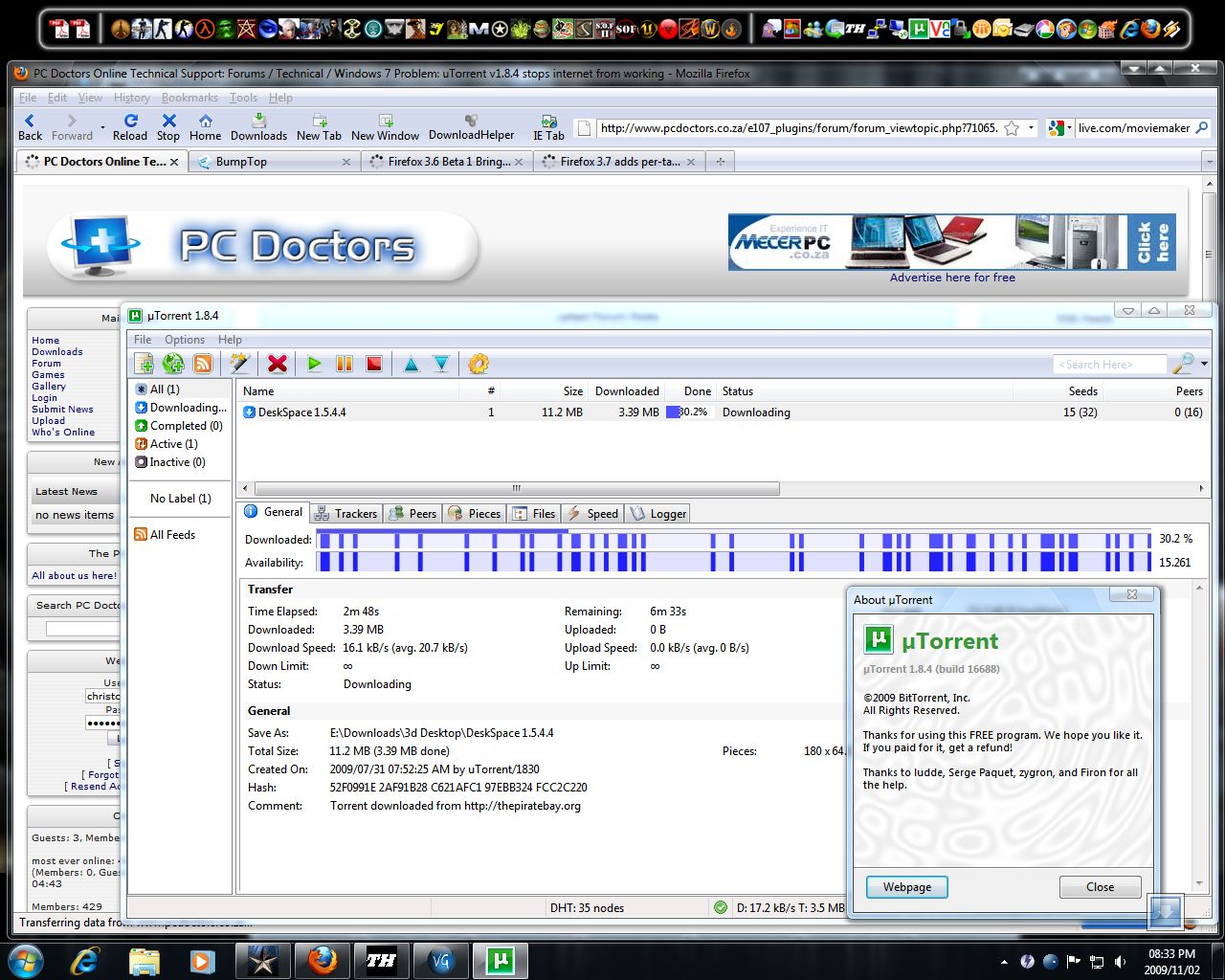
In Win7, using uTorrent 1.8.4, I can only really run one torrent at a time (with one more queued), otherwise my connection slowly dies. One or two torrents at a time is very time-consuming - I can't baby-sit uTorrent all the time.
So that's the difference :)
Another thing to look at is the bandwidth allocation. If set to high, it will kill all other connections like browsing and mail.
Well for one thing, that was never my problem :)
And for another, I often set my Bandwidth Allocation in uTorrent to high... and it seems to have little or no effect. It certainly doesn't impede my internet browsing.
Anyway, I'm going to start to change the topics for these Windows 7 Problem threads to include the term RESOLVED (for those that have been sorted out).
This particular issue is 98% resolved. There is still a slight problem with decreasing internet connectivity if I leave my machine downloading torrents, NBZs and normal HTTP traffic for days on end. I have resorted to using a program called TCP-Z to increase the number of half-open connections that Windows 7 supports (increasing it from 10 to 251).
Still, the uTorrent issue that I created this thread for has been resolved.
Glad you got the problems sorted man!



![Morgue[FLB]](/thumb.php?src=%7Be_AVATAR%7Dupload%2Fap_59_morgueflb.png&aw=100&ah=100)

![Christo [PCD]](/thumb.php?src=%7Be_AVATAR%7Dupload%2Fap_1_newavav4.jpg&aw=100&ah=100)
