Hey guys. I recently upgraded my cell and realised that there was no automated way to transfer my WhatsApp chat messages from the old phone to the new one. For the record, I also like to keep all my old SMS messages, and for that, I use a free app called SMS Backup & Restore.
Here's how to transfer your WhatsApp messages:1) Don't install WhatsApp on the new phone yet.
2) Make a backup in WhatsApp on the old phone of all messages (via Chat options).
3) Copy that file (
WhatsApp\Databases\msgstore.db.crypt ) from the old phone to the same location on the new phone, which I had to manually create since I had not installed WhatsApp yet on the new phone. I used AirDroid to copy files around and create folders, but you can use your preferred file explorer.
4) Copy the \WhatsApp\Media folders across to the same location on the new phone.
5) Install WhatsApp on the new Phone.
During the installation process, WhatsApp will detect that it is being installed on a new handset, and send a confirmation SMS (you have to enter your cellphone number, including the leading zero).
6) Upon completing the installation, WhatsApp will detect your previous messages (from Step 3), and ask if you want to restore them. Say yes.
7) Result:
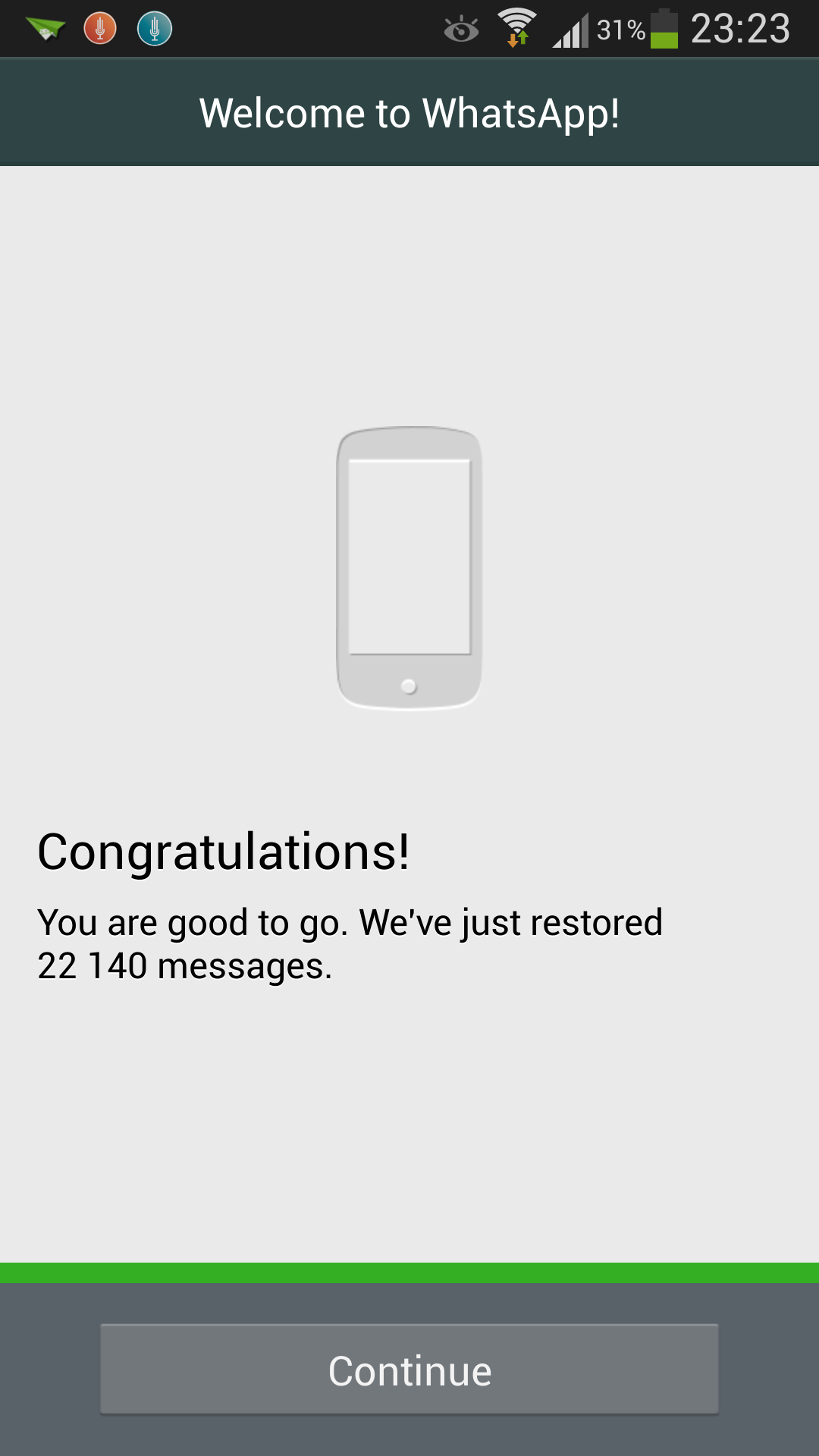
;-)
PS. 22140 messages, but the message database file was only 5.4 megabytes in size.


![Morgue[FLB]](/thumb.php?src=%7Be_AVATAR%7Dupload%2Fap_59_morgueflb.png&aw=100&ah=100)