From Microsoft:
You cannot import or export e-mail accounts with .IAF files in Outlook 2002 and Outlook 2003

***********
SYMPTOMS
In previous versions of Microsoft Outlook, you were able to import and export your Internet Mail Account settings to an Internet Account file (.IAF) format. This feature was available in Microsoft Outlook 2000 Internet Mail Only (IMO) by clicking Accounts on the Tools menu. The option is not available in Outlook 2002.
WORKAROUND
To work around this behavior, use the following steps to import Internet Mail Accounts settings from the e-mail programs that are on your computer:
Start Outlook.
On the File menu, click Import and Export.
Click Import Internet Mail Account Settings, and then click Next.
Follow the Import and Export Wizard to complete the import process.
**************
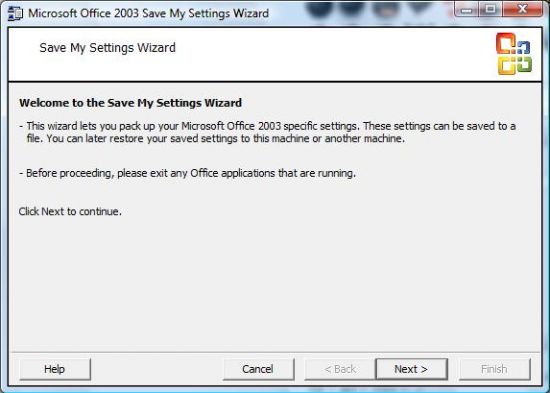
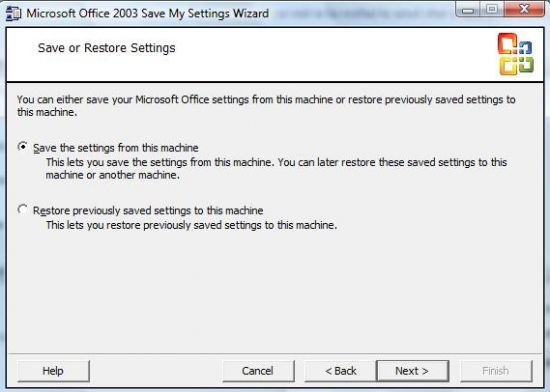
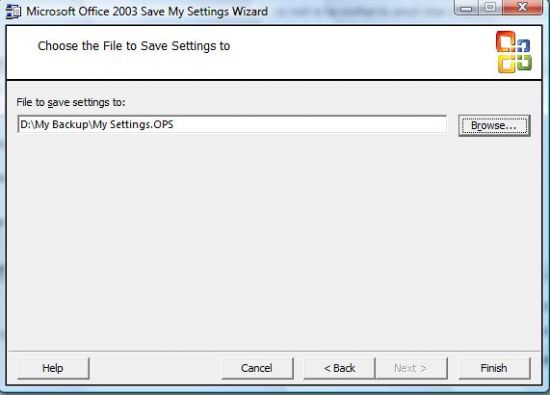
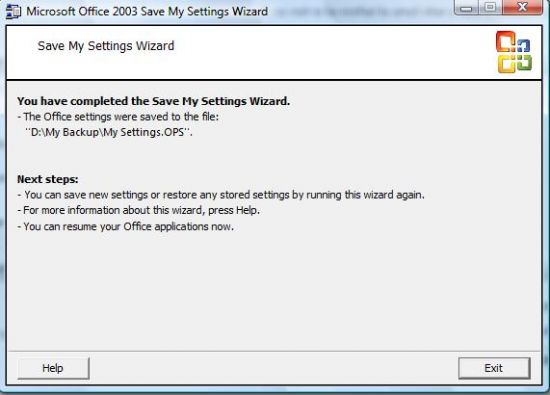
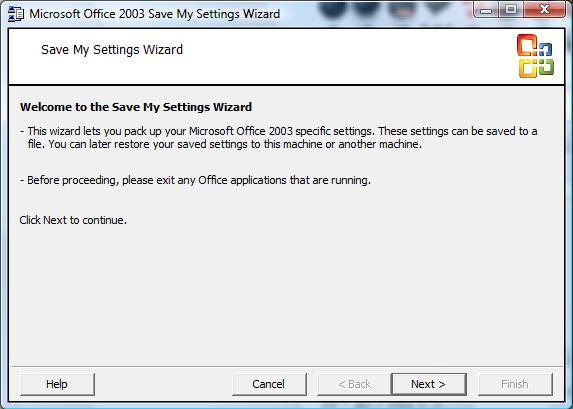
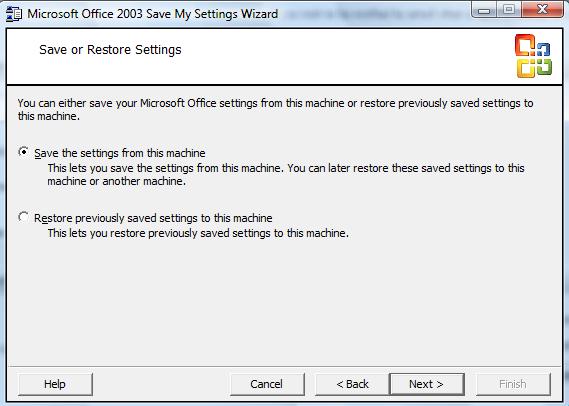
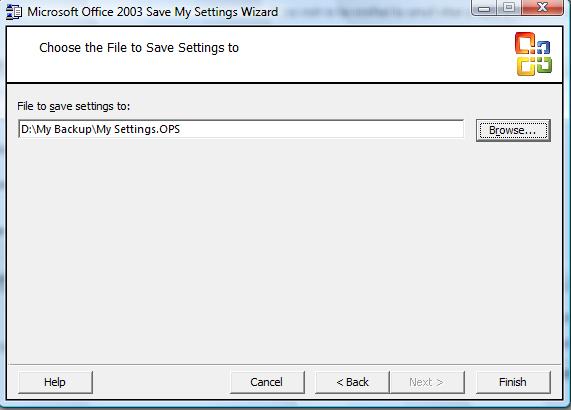
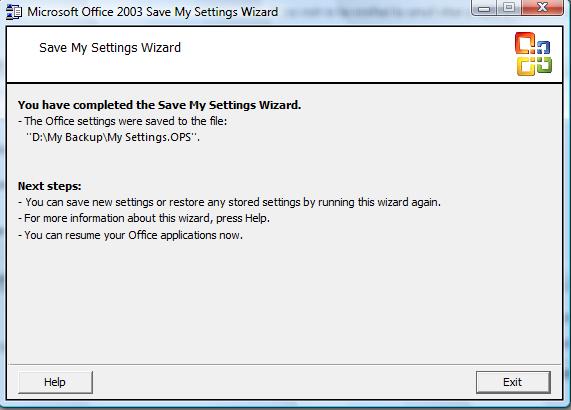
Exporting a .pst file doesn't save the email account settings and the workaround from MS is only useful for importing from another program. There's a "Microsoft Office 2003 Save My Settings Wizard" in the "Microsoft Office Tools" that will allow you to 'save' and 'restore' all Office settings to and from a file. The only disadvantage is that the accounts can't be saved separately.

![Christo [PCD]](/thumb.php?src=%7Be_AVATAR%7Dupload%2Fap_1_newavav4.jpg&aw=100&ah=100)
![Siversmith[PCD]](/thumb.php?src=%7Be_AVATAR%7Dupload%2Fap_7_1216834505_186_ft2896_siver_ava.jpg&aw=100&ah=100)
![Morgue[FLB]](/thumb.php?src=%7Be_AVATAR%7Dupload%2Fap_59_morgueflb.png&aw=100&ah=100)